

Your rules. Your momentum.
Keep your promise.
Set spending boundaries, review the purchases that cross them, and add a 24-hour pause to the websites you choose. Fly Trap helps you make small choices feel intentional.
Local by design. Your rules, on your computer.
How it works
A little friction. A better you.
Fly Trap turns the boundaries you choose into a moment to pause and decide.
Set your boundaries
Create rules for merchants, food delivery, dessert spots, and a daily spending limit.
Review what happened
Add purchases manually or import a CSV. Fly Trap flags possible rule breaks for your review.
Choose your pause
After you confirm a catch, pause selected websites for 24 hours using the optional browser companion.
Inside the app
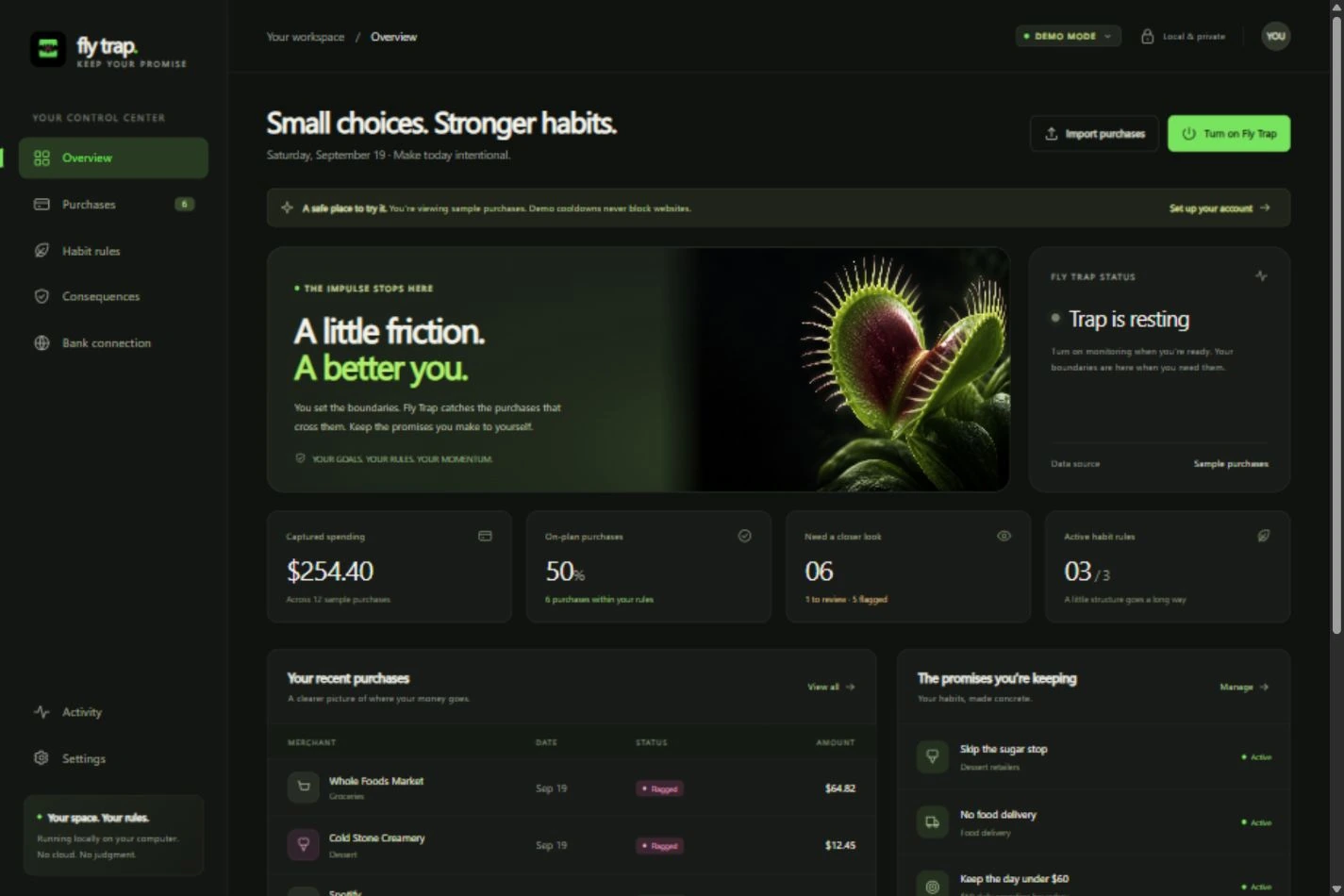
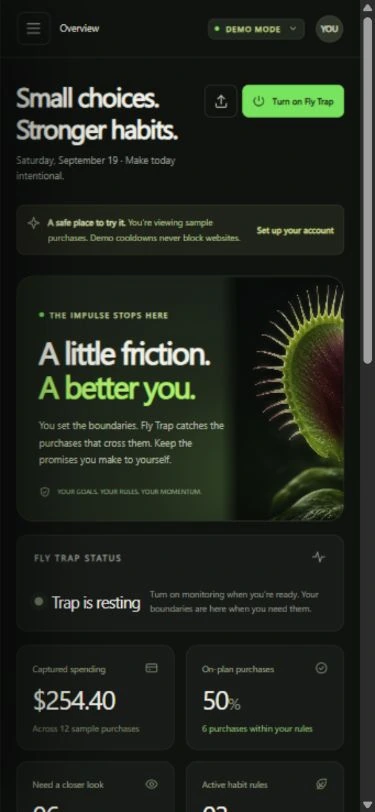
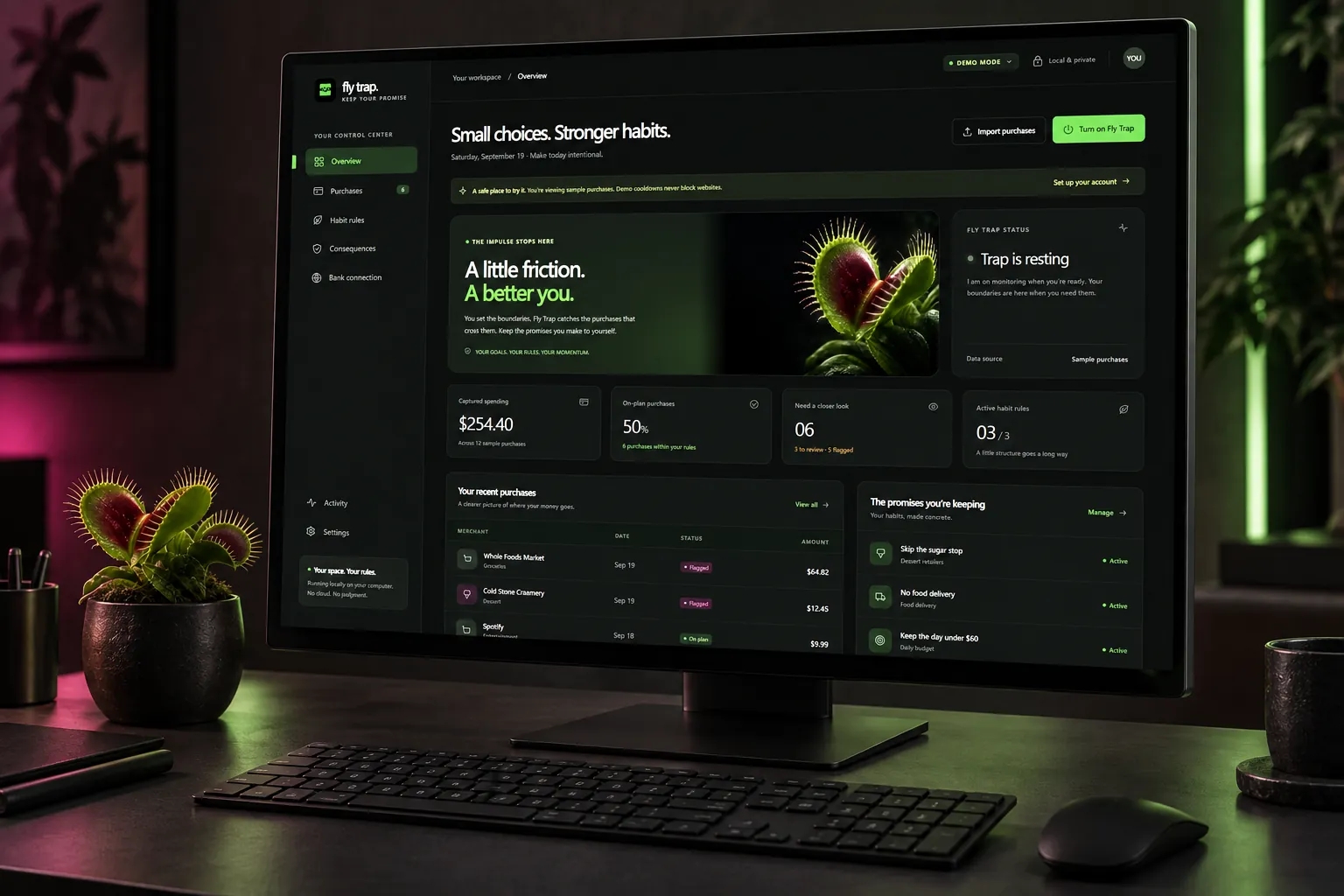
Your habits, in clear view.
See purchases, rules, and recent activity in one private workspace. Demo and live data stay separate.
Private by default
Your boundaries belong to you.
Fly Trap stores your rules and purchase history on your computer. Manual entry and CSV import work without connecting a bank. You choose which websites, if any, the browser companion pauses.
- Local data
- Your own rules
- Review before a pause
Prelaunch
Fly Trap for your desktop
- Private local workspace
- Editable habit rules
- Purchase review and CSV import
- Optional 24-hour chosen-site pause
Launch details coming soon.
Explore the productCurrent app runs locally on Windows. Browser companion setup is optional.
FAQ
Straight answers.
How do I add purchases?
Enter them manually or import a CSV. An optional browser companion is designed to read a user-selected, visible US Bank transaction page, but it requires your setup and verification and is not a guaranteed automatic bank feed.
What happens when a purchase is flagged?
You review it. If you confirm a catch, Fly Trap can pause the websites you selected for 24 hours in the paired browser. An emergency release can be recorded.
Does Fly Trap freeze my card or stop a payment?
No. Fly Trap does not freeze cards or block payments.
Where is my data?
It stays in local files on your computer. Fly Trap does not require a cloud AI account or your bank password. Those local files are not app-encrypted, so your Windows account and device protection matter.